
Free Inventory Management System Excel Template
Original price was: $49.00.$0.00Current price is: $0.00.
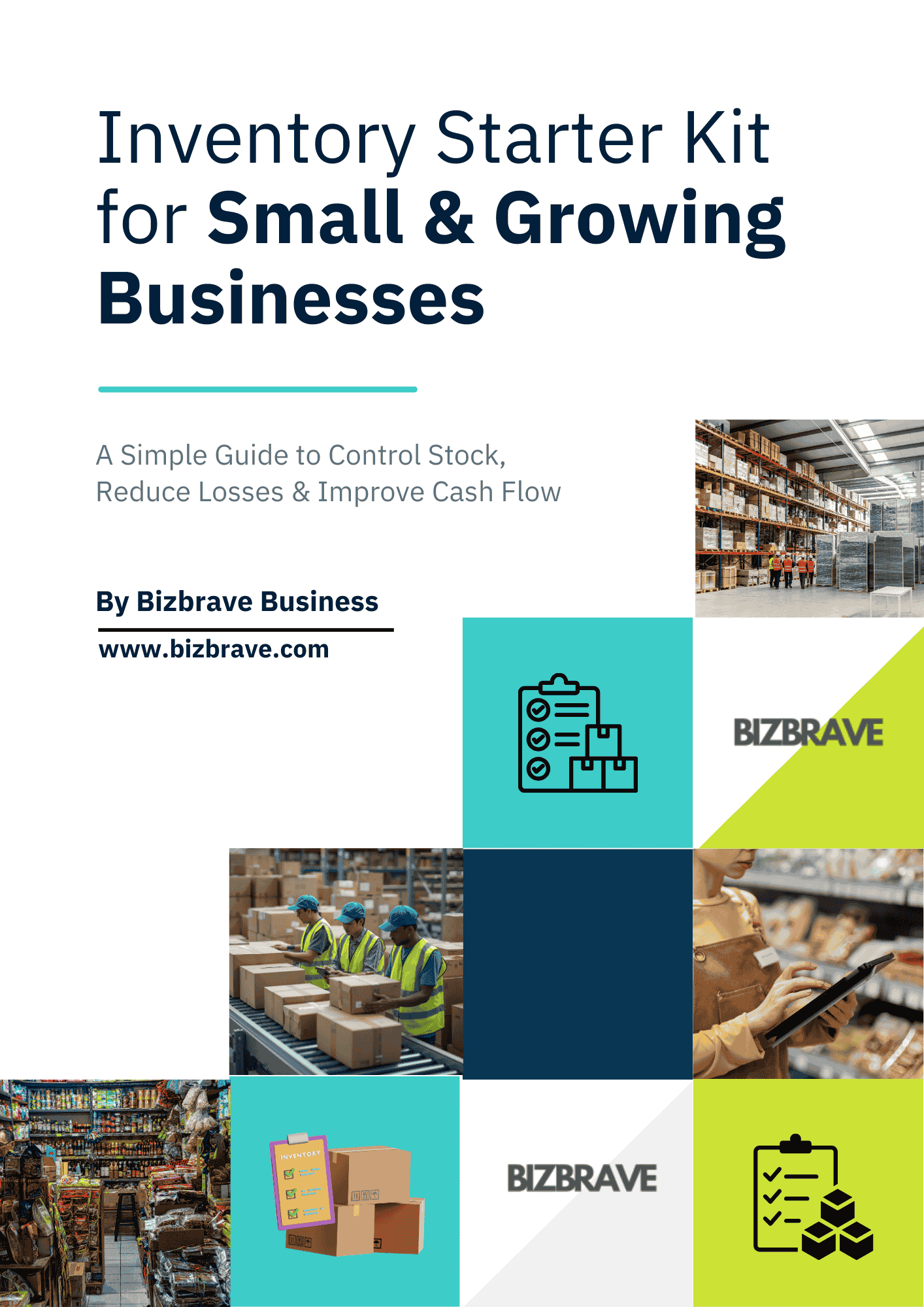
Free Inventory Management System – Starter kit with spreadsheet and PDF e-book.Excel for easily managing your stock. Managing products, inventory, and track purchases, sales and stock levels in a simple and easy-to-edit spreadsheet for small businesses, retailers, wholesalers and entrepreneurs. Gain an easy-to-edit Excel inventory management template, simple stock tracking and no monthly software subscription required.
Description
The Free Inventory Management System Excel Template|stock management system designed for small businesses.
Free Inventory Management System Excel Template
Looking for a free inventory management system for your small business?
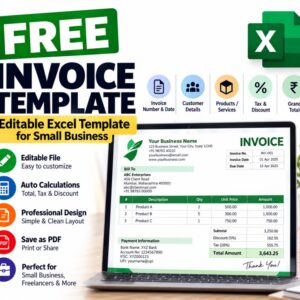
The Bizbrave Free Inventory Management Excel Template provides a simple way to organize and monitor your inventory using Microsoft Excel. Instead of investing in expensive inventory management software, you can start with an easy-to-use spreadsheet designed for businesses that need a straightforward way to track stock.
This free inventory management template is suitable for small businesses, retailers, wholesalers, online sellers, startups, distributors and entrepreneurs.
Free Inventory Stock Management Software Alternative
If you are searching for free inventory stock management software, an Excel-based free inventory management system can be a practical starting point for managing basic stock information.
You can maintain your inventory records in one place and update your stock information whenever products are purchased, sold or adjusted.
This template is particularly useful for businesses that are not yet ready for a full inventory management software system.
Why Use an free inventory management system?
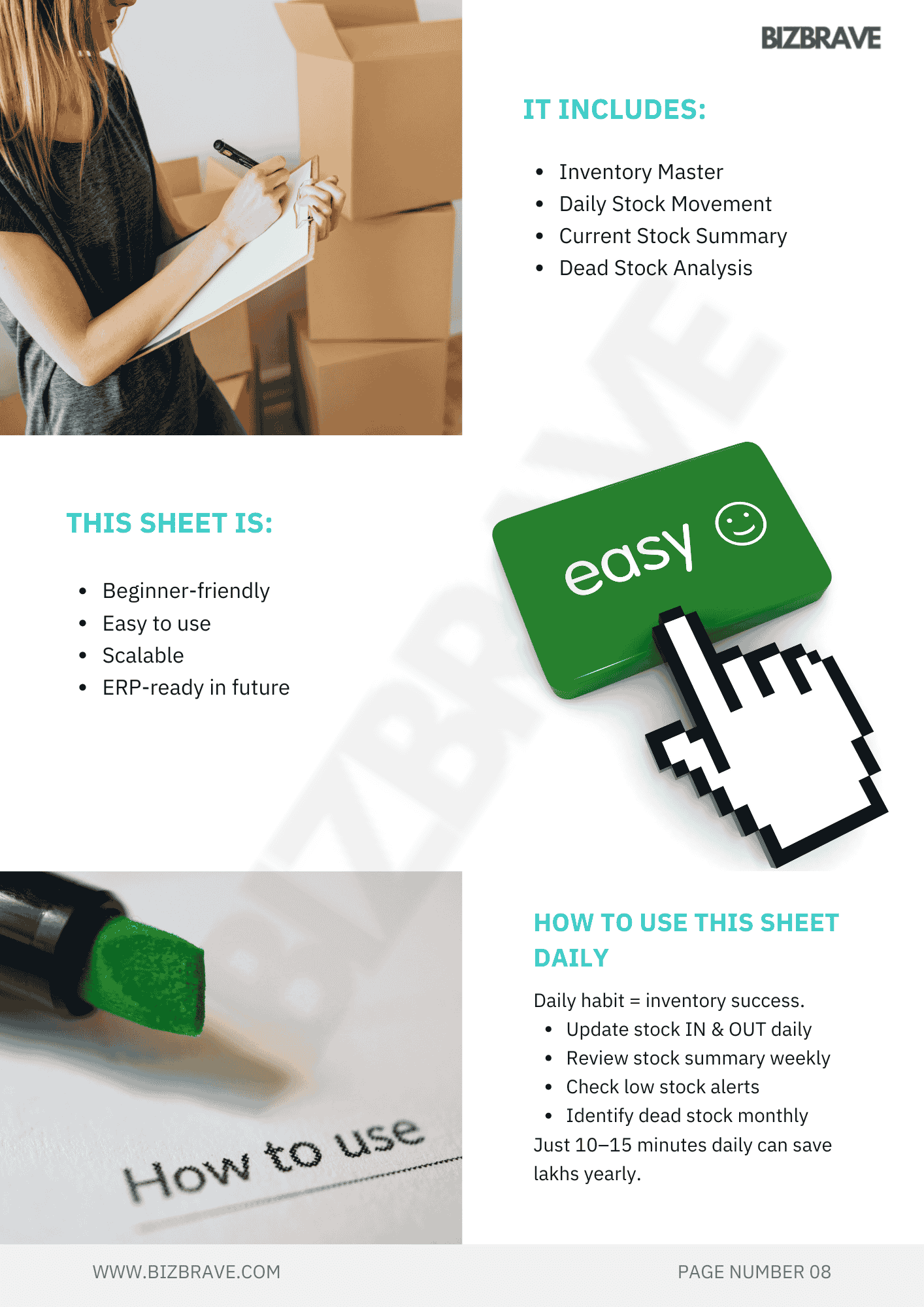
Free to use
Easy to understand
Easy to customize
No monthly subscription for the template
Works with Microsoft Excel
Suitable for small businesses
Keep your inventory information organized
Track products and stock quantities
Maintain your own inventory records
Customize the spreadsheet according to your business needs
Free Inventory Management Software for Small Business
Small businesses often need a simple way to monitor inventory without paying for expensive software.
This free inventory management software for small business alternative gives you an Excel-based starting point for organizing your stock information.
It can be useful for:
Retail stores
Wholesale businesses
Small manufacturers
Distributors
Online sellers
Amazon sellers
E-commerce businesses
Local shops
Trading businesses
Startups
Home businesses
Entrepreneurs
Free Inventory Software for Small Business
If you are searching for free inventory software for small business, this Excel inventory template can help you get started without a complicated installation or software subscription.
You can download the spreadsheet, add your products and customize the fields according to your business requirements.
Excel makes it easy to update your inventory records and keep your stock information accessible.
What Can You Track?
Depending on how you customize the template, you can maintain information such as:
Product name
Product ID
SKU
Category
Description
Opening stock
Stock purchased
Stock sold
Current stock
Unit price
Purchase price
Selling price
Supplier information
Stock status
Reorder information
Inventory notes
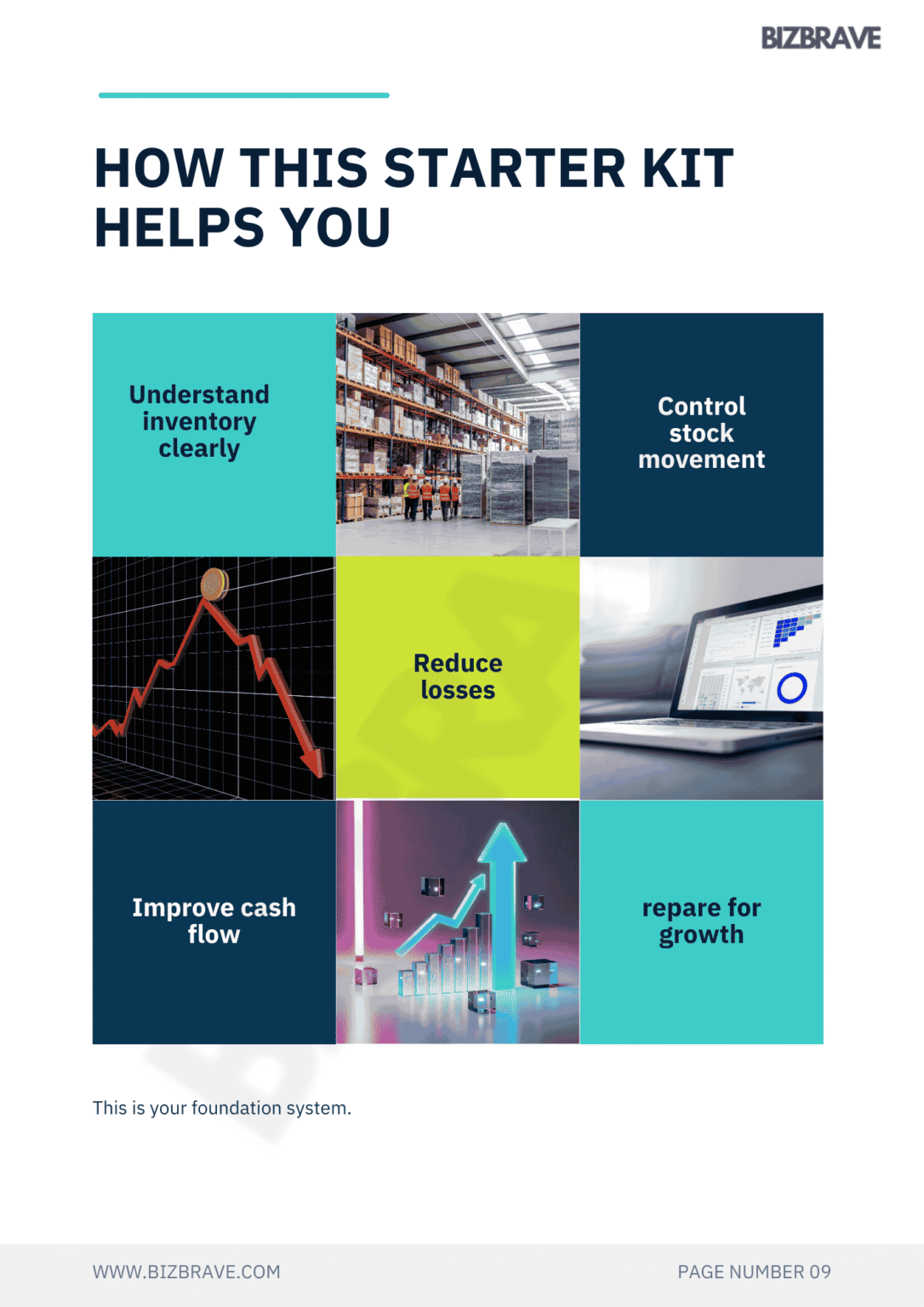
Inventory Stock Management
Keeping accurate stock records is important for businesses that sell physical products.
An inventory management spreadsheet can help you understand how much stock you have, identify products that need attention and maintain organized product records.
Instead of maintaining separate handwritten records, you can keep your inventory information in an editable Excel workbook.
How to Use the Free Inventory Management Template
Step 1 – Download the Template
Download the free inventory management Excel template from Bizbrave.
Step 2 – Add Your Products
Enter your products and relevant information into the inventory sheet.
Step 3 – Enter Stock Information
Add your opening stock and update your stock movements according to your business activities.
Step 4 – Update Sales and Purchases
Record inventory coming into your business and stock going out through sales or other transactions.
Step 5 – Review Your Inventory
Use the spreadsheet to review your current stock information and identify products that may require restocking.
Step 6 – Customize the Template
Add or modify columns and fields according to your business requirements.
Inventory System Software Free – Excel Alternative
Searching for inventory system software free?
If you only need basic inventory tracking, an Excel free inventory management system can be a useful alternative to dedicated inventory software.
The template gives you control over your data and allows you to customize your inventory records without committing to a monthly software subscription.
However, businesses with complex inventory requirements, multiple warehouses, barcode scanning, automated purchasing, integrations or large transaction volumes may eventually need dedicated inventory management software.
Free Inventory Management for Small Business
This template is designed especially for businesses that want a simple and affordable way to begin managing inventory.
It can help you organize:
Products → Stock → Purchases → Sales → Inventory Records
You can start with the basic template and customize it as your business grows.
Who Is This Template For?
Small Businesses
Keep product and stock records organized without investing in complicated inventory software.
Retailers
Maintain product information and monitor available stock.
Wholesalers
Organize products, quantities and stock information.
Online Sellers
Maintain inventory records for products sold through online channels.
Entrepreneurs
Start managing inventory with a simple spreadsheet.
Startups
Create an organized inventory process before moving to advanced inventory software.
Amazon & E-commerce Sellers
Use the spreadsheet as a basic free inventory management system tracking tool alongside your existing marketplace systems.
Benefits of an Excel Inventory Management Template
Simple
You don’t need advanced technical knowledge to start using the spreadsheet.
Editable
Customize the template to suit your business and product categories.
Affordable
Start managing inventory without purchasing expensive inventory software.
Flexible
Add your own products, categories and inventory fields.
Familiar
If you already use Excel, you can work with the template without learning a completely new system free inventory management system.
Important Note
This is an Excel inventory management template, not a cloud-based inventory management software application.
It does not replace advanced inventory systems with features such as real-time multi-user access, barcode scanning, automatic marketplace synchronization, warehouse management or automated purchase orders.
For simple inventory tracking and small-business stock management, however, an Excel template can provide a useful starting point.
Download Your Free Inventory Management Template
Start organizing your inventory today with the Free Inventory Management Excel Template from Bizbrave.
Download the template, add your products and begin managing your stock using a simple Excel-based free inventory management system.
Free • Editable • Simple • Designed for Small Business
Download your free inventory management template and take the first step toward better stock organization.

Reviews
There are no reviews yet.